Link a Philippine number

Link your existing Philippine prepaid number to an active Pinoy or Pinoy+ plan. Each time your kini plan renews, ₱10 load credit will be added to your linked Philippine number to help keep it active.
Link your number
You have an active Philippine prepaid number with Smart, TNT, Sun, Globe, or TM. Philippine postpaid numbers are currently not supported.
Apply or link a Mainland China number

With kini’s 1 Plan, 2 Numbers service, you can receive calls and texts sent to your China Mobile number on your kini SIM in Canada, alongside your Canadian number. This helps you stay connected with family and friends and receive important messages from home.
The service is available with an active All-in-one and All-in-one+ plans, with no additional monthly fee.
Apply or port-in a Hong Kong number

With kini’s 1 Plan, 2 Numbers service, you can apply for a new Hong Kong mobile number or transfer your existing one. Receive calls and texts sent to your Hong Kong number on your kini SIM in Canada, alongside your Canadian number.
The service is available with an active All-in-one and All-in-one+ plans, with no additional monthly fee.
Switch to eSIM / Physical SIM
Want to change the type of SIM you use with kini or transfer an eSIM between devices? Contact customer support to arrange the switch for your existing line.
Before you begin
Keep your current SIM or eSIM available until the switch is complete. Customer support will need to verify your SIM ownership before making changes.
Switch to eSIM
You can
Manage or change your mobile plan
Plan Types
| Service & Features | All-in-one / All-in-one+ Plans | Pinoy / Pinoy+ Plans | Basic Plan |
|---|---|---|---|
| Data allowance based on your selected plan | ✓ | ✓ | ✓ |
View balance, usage and monthly statement
Once your SIM is activated, log in to My kini to check your account balance, remaining plan and add-on allowances, and monthly statements.
Set up your voicemail

Voicemail lets callers leave a message when you can’t answer. Set up your password and greeting so you’re ready to receive and listen to messages.
Add My kini web app to your phone
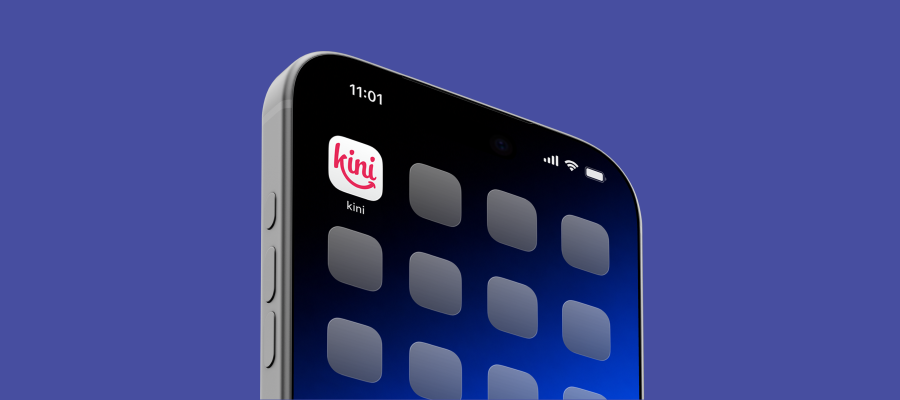
Add My kini to your home screen to check your balance and usage, top up, view statement and manage Auto-pay. You can set it up directly from your phone’s browser:
Set up Auto-pay
Auto-pay helps keep your monthly plan active without having to top up manually. On your renewal date, your plan fee is deducted from your account balance first, and any remaining amount is charged to your credit or debit card.
Renew your monthly plan

Your mobile plan renews monthly as long as your account balance covers the fee. Top up manually or set up Auto-pay for hassle-free renewals. You’ll receive an SMS notification 1 day before your plan expires.
⚠ Heads-up! Don’t leave an expired plan unattended
You won’t be able to use the service if your SIM card or mobile plan has expired.