
Welcome to kini! Follow the steps for your physical SIM or eSIM to get connected.
Before you begin
Make sure you either have a a physical SIM or your eSIM activation email.
- Need a SIM and plan? Order online.
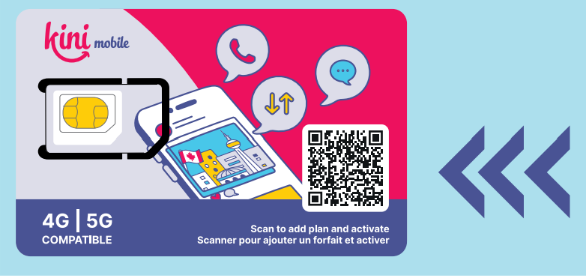
Already have a kini Starter SIM? Scan the QR code on the SIM packaging to choose a monthly plan.
- Keeping your Canadian number? Keep your service with your current provider active. You can request a number transfer after your kini line is active.
- Check if your device supports eSIM
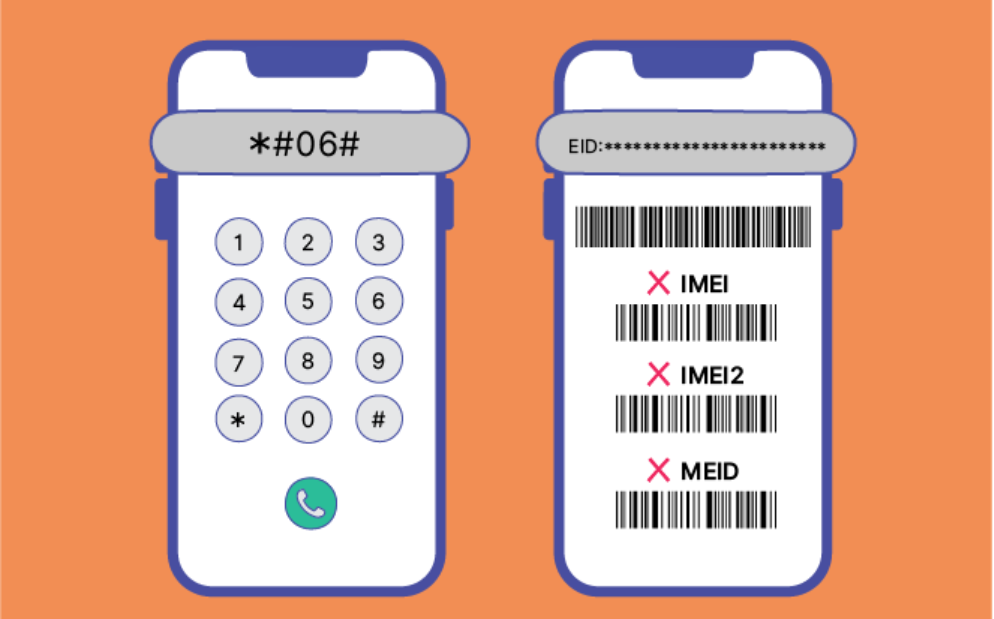
- Open your phone dialer and enter *#06#
- If you see an EID number, your device supports eSIM
- If no EID is shown, your device may not support eSIM. Please visit "Plans" and select Physical SIM instead.
Activate your Physical SIM
Insert the SIM while you’re in Canada
Activate your eSIM
- Keep all your existing eSIM installed.
- Connect to a Wi-Fi network
- Open the eSIM activation email
- Each eSIM/QR code can only be installed once. After installation, it cannot be transferred to another device or reinstalled if removed.
- Install the eSIM. The eSIM can only be activated within Canada. If you are currently outside Canada, you may complete the installation in advance; once you arrived, simply turn on the eSIM 🔛 to start using the service.
There are 2 options to get the eSIM installed.
Option 1: Install via Link (Recommended)
- Click the activation link on a device running iOS 17.4 or later, or Android 10 or later.
- Follow the on-screen instructions to complete activation.
Option 2: Install via QR Code
- Open 「 Settings」 on the phone where you want to install the eSIM.
- Go to the eSIM setup menu (This step may vary slightly by brand)
- iPhone: Settings → Cellular → Add eSIM
- Android: Settings → Network & Internet → SIMs → Add eSIM
- HarmonyOS: Settings → Mobile network → SIM management → Add eSIM
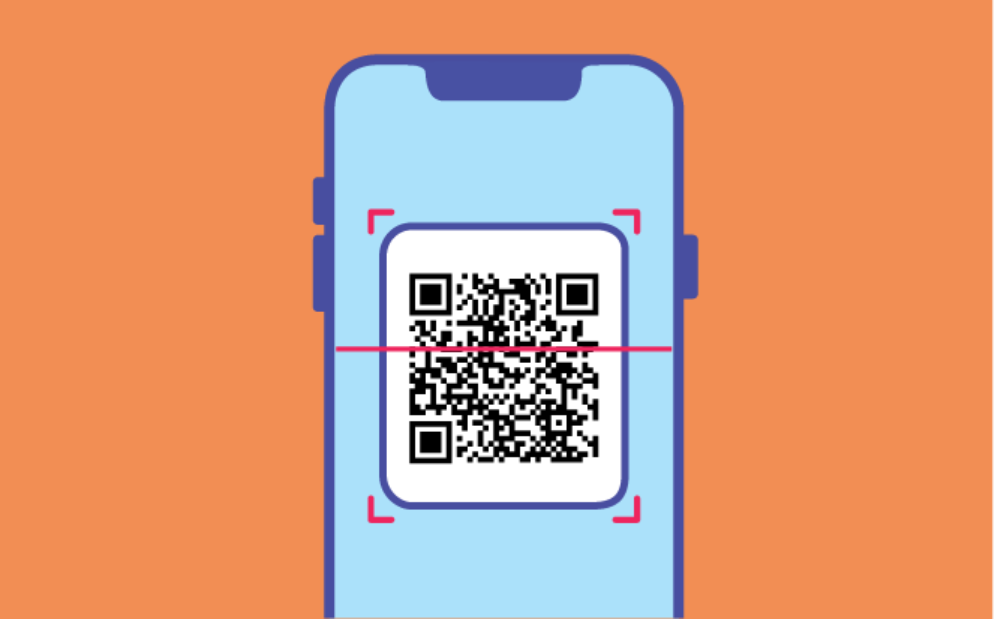
- Scan the QR code from another screen, or select a saved QR screenshot if supported.
Follow the prompts to complete installation.
🎉 You will receive an SMS containing your new Canadian number, main plan expiry date, and entitlements. Your SIM is ready to use!
If your phone doesn’t connect
- Turn airplane mode on for a few seconds, then turn it off.
- Restart your phone and check that the kini SIM is enabled.
- If you have two SIMs, check which line is selected for mobile data and calls.
- For a physical SIM, check that it is seated correctly
- Confirm that you’re in Canada and that your phone is unlocked.
Need help? Contact kini mobile support at +1 (877) 822-1888 and have your SIM and order details ready.
What’s next?
Want to keep your Canadian number? Read How to port in your Canadian number to kini. You can also set up Auto-pay so your plan is ready for its next renewal.