Canada SIM Card & eSIM Before arrival

Keeping newcomers, tourists, and international students connected from day one in Canada. Order a kini SIM with a Canadian phone number. Choose overseas physical SIM delivery or prepare an eSIM before arrival.
Add-ons: Canada data, call forwarding and international minutes

Explore kini mobile add-ons for extra Canada data, call forwarding and international minutes. Check prices, destinations and how to subscribe.
Roaming Packs

Explore kini mobile roaming packs for data, calls and texts abroad. Learn how to buy a pack, enable roaming and check its expiry.
Link a Philippine number

Learn how to link a Philippine number with kini’s 1 Plan, 2 Numbers service. Call and SMS forwarding are not included.
Apply or link a Mainland China number

Explore kini’s Mainland China number service, including linking an existing China Mobile number, identity requirements and setup steps.
Apply or port-in a Hong Kong number

Learn how to apply for or transfer a Hong Kong number with kini’s 1 Plan, 2 Numbers service to receive Hong Kong calls and texts in Canada.
Switch to eSIM / Physical SIM
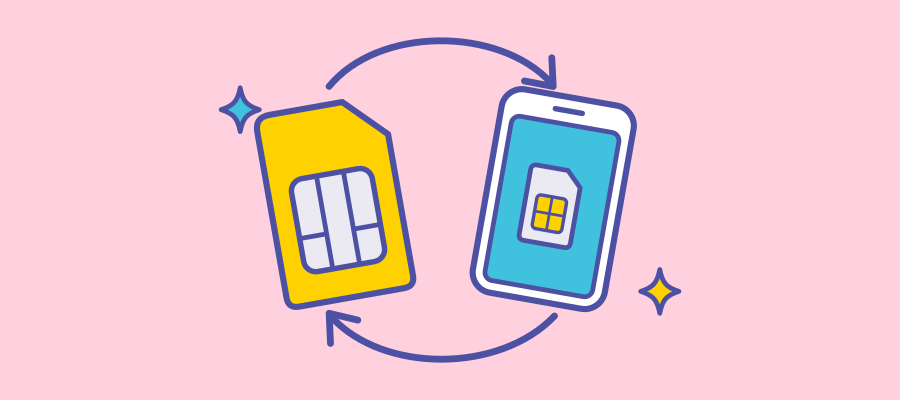
Switch between eSIM and physical SIM, or move your kini eSIM to another phone. Learn what to prepare before contacting customer support.
Manage or change your mobile plan
Learn how to change your kini mobile plan now or at your next renewal, check your balance and request a change by texting your plan code.
View balance, usage and monthly statement

Check your kini mobile balance, remaining data and plan expiry in My kini. View monthly statements or text CHECK to 1888 for balance details
Set up your voicemail

Set up your kini mobile voicemail password and greeting. Learn how to listen to messages and get help resetting your settings.